
PUBG (kick.com)
Activation instructions:
- Only receive items in the "GOOGLE CHROME". This is due to the poor performance of KICK in other browsers, in particular yandex. You can try to do it first in your main one (if you are not using chrome), but if you fail to enter KICK, you must use it. The browser can be downloaded from the link: google.com/intl/en/chrome.
- On KICK.COM log out of your account and log into the purchased KICK account.
- If you received the message "Unknown error" when trying to log in, then the problem is with your browser or VPN or other ways to bypass blocks
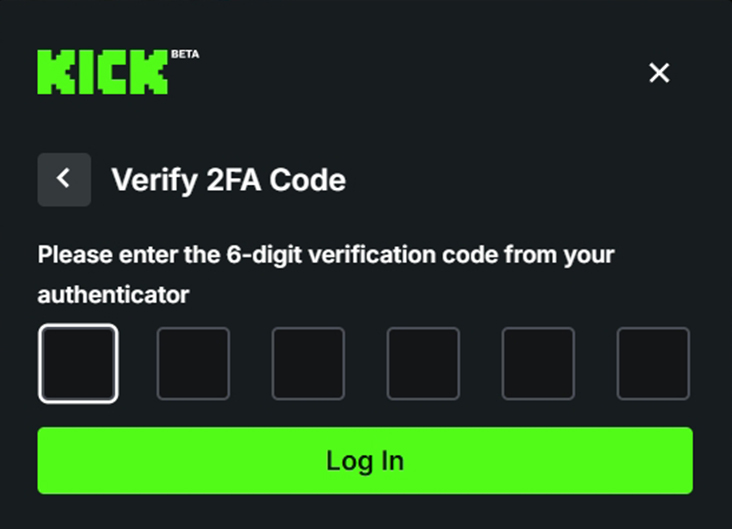
- Enter the 2FA code by copying it from the website that was issued with the account.
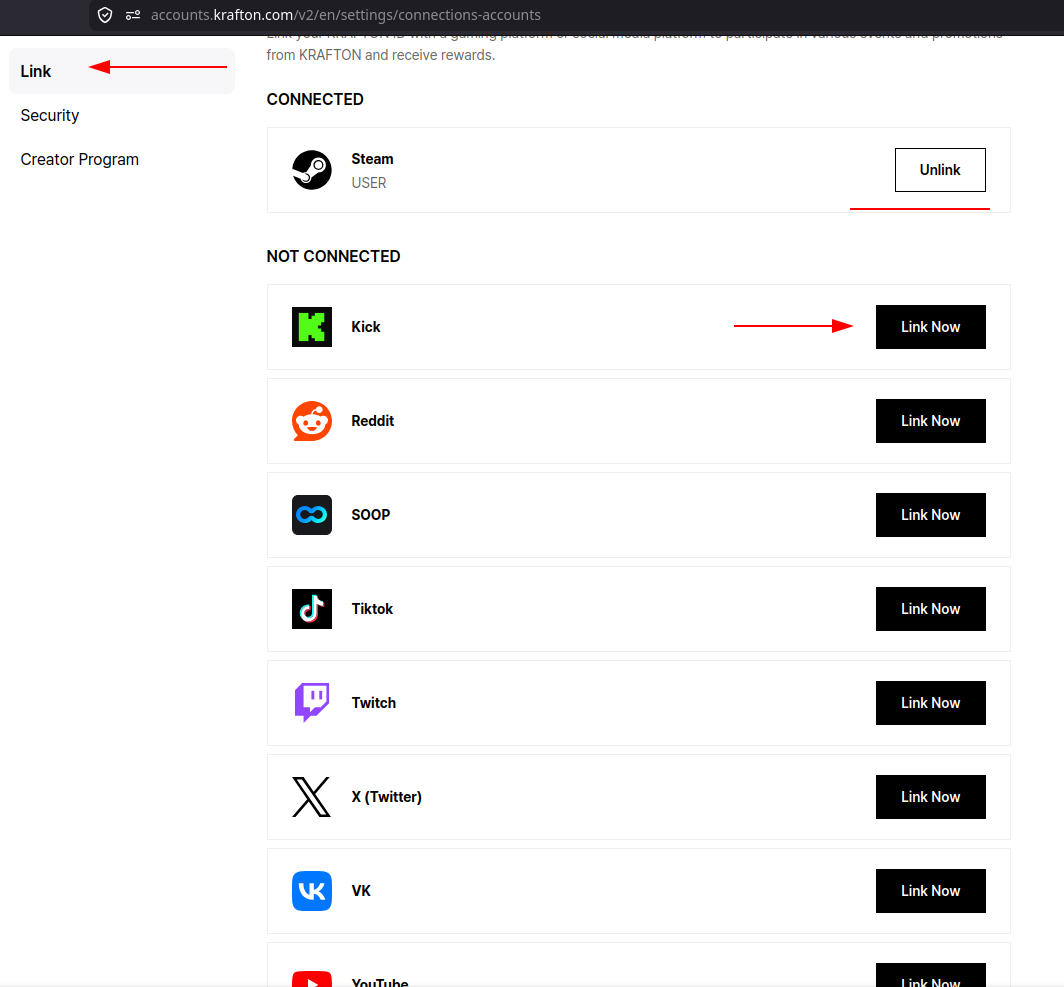
- Go to the Krafton ID website and login with your STEAM account, if it's not linked yet, link the purchased TWITCH account.
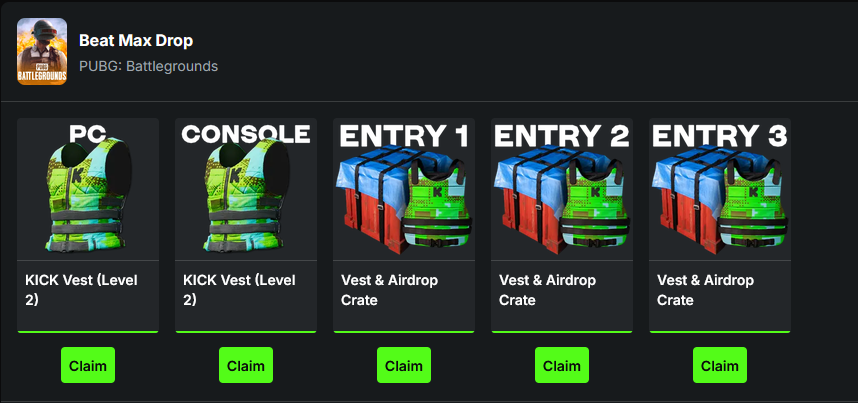
- Go to the kick inventory and click the "claim" buttons on all drops.
- Open PUBG, BE SURE to restart the lobby, open the “Esports Points Shop” tab, within 5 minutes after linking your EPs will be there.
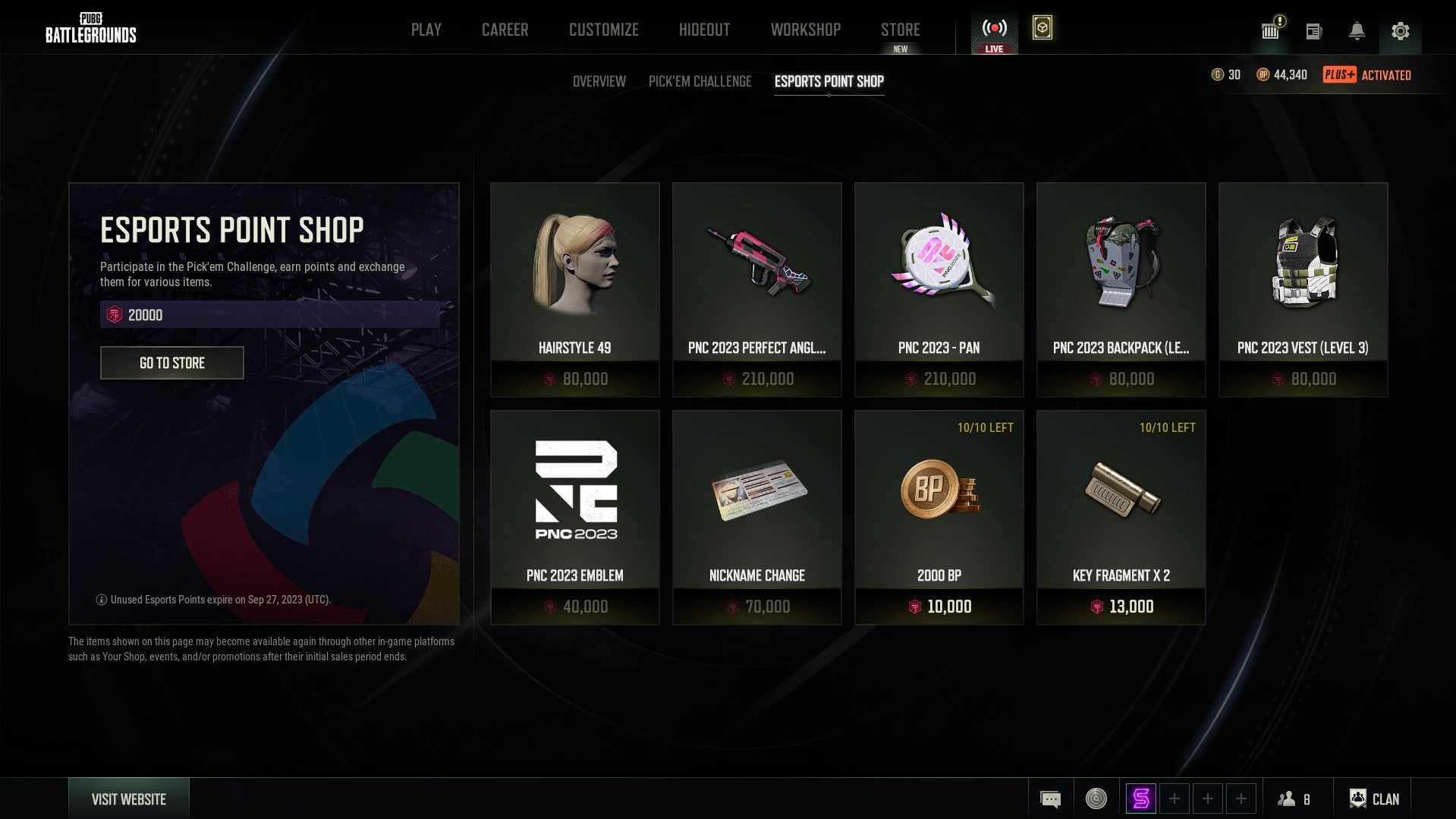
Receiving EP works until September 27, 2023. You can link 2 accounts once every 24 hours
ㅤ
Important information
Absolutely all products are safe to use and NO ingame sanctions can be imposed on your account for them, it's just a twitch linking.
All products are up-to-date, correct availability is indicated everywhere. There are no restrictions on the region, you can activate from anywhere in the world.
Accounts are issued in 1 hand, they are all different and do not repeat. Once purchased, the Twitch account is yours forever.
Please read the product description, most of the answers to your questions are there. If you wanna buy a product - just pay for it, the bot will give you everything automatically(account+activation instructions).
To contact the seller, first ask your question (it should NOT be related to a question that already has an answer in the description, read CAREFULLY, please! Do not call me before writing a question, dont waste your and my time). The command to call is "!support", written SEPARATELY from your question.
Twitch account have to be linked through the browser(full) version of twitch. If you are linking via phone, you may encounter problems due to the downloaded application, interface bugs, etc. I strongly recommend using a PC.
If you try to cheat the seller / negative feedback due to your carelessness or other factors / lies for personal gain, you will be added to the Black List, and all items that you manage to get from your TWITCH account will be waived by the twitch support. Think twice before trying to cash in or ruin a seller's rating.
If you have any problems, call the seller and wait, no need to run headlong to write a review or support. In 99% of cases, the problem is due to inattention when reading the instructions or description, please read everything before buying and after it, if there are any questions.